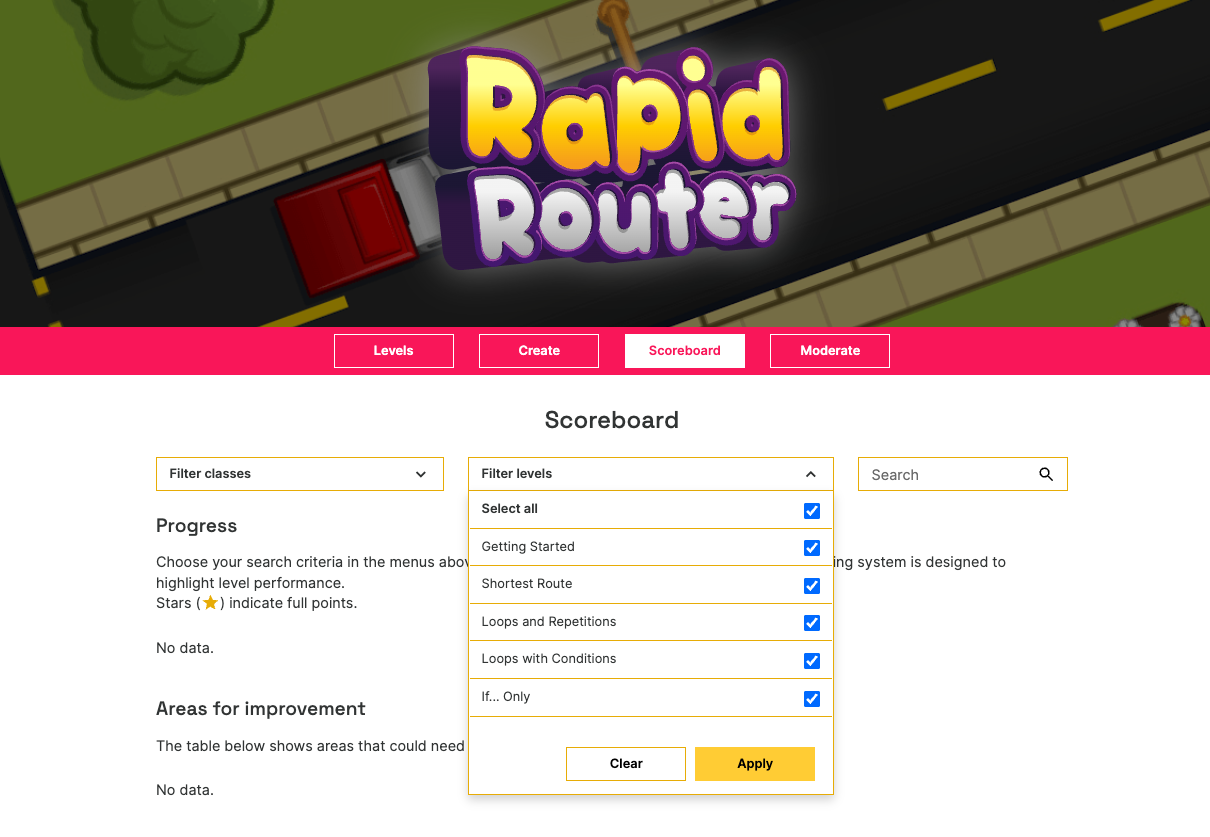
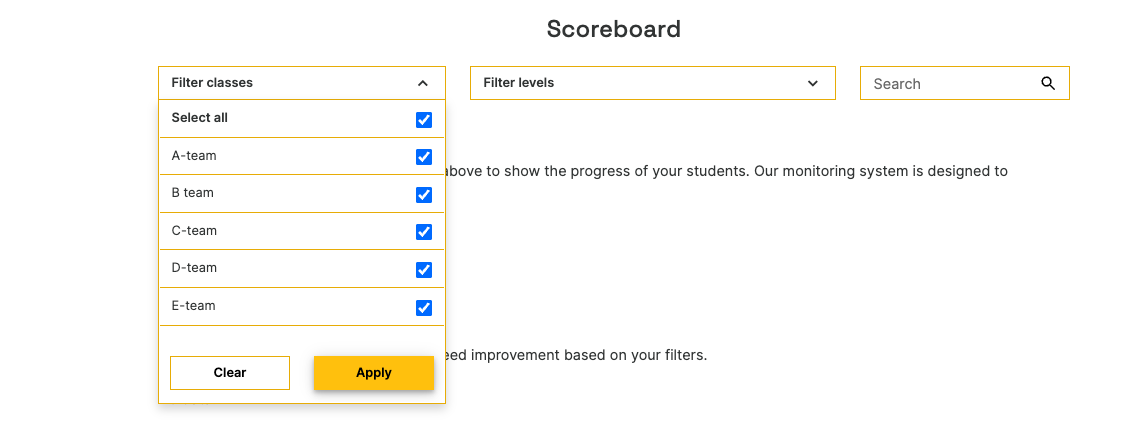
In order to see student progress, you need to select an item from both drop-down menus on the scoreboard page and make sure you have clicked the Apply button. If you do not select anything, nothing will be displayed.

Modified on: Tue, 10 May, 2022 at 2:30 PM
In order to see student progress, you need to select an item from both drop-down menus on the scoreboard page and make sure you have clicked the Apply button. If you do not select anything, nothing will be displayed.
Did you find it helpful? Yes No
Send feedback