School students log in via the student login page, using the details that you will have received when you create the class.
There are several ways for them to log in depending on what you shared with them. Direct links to their dashboards, direct links to the class code page, or by using their username and password.
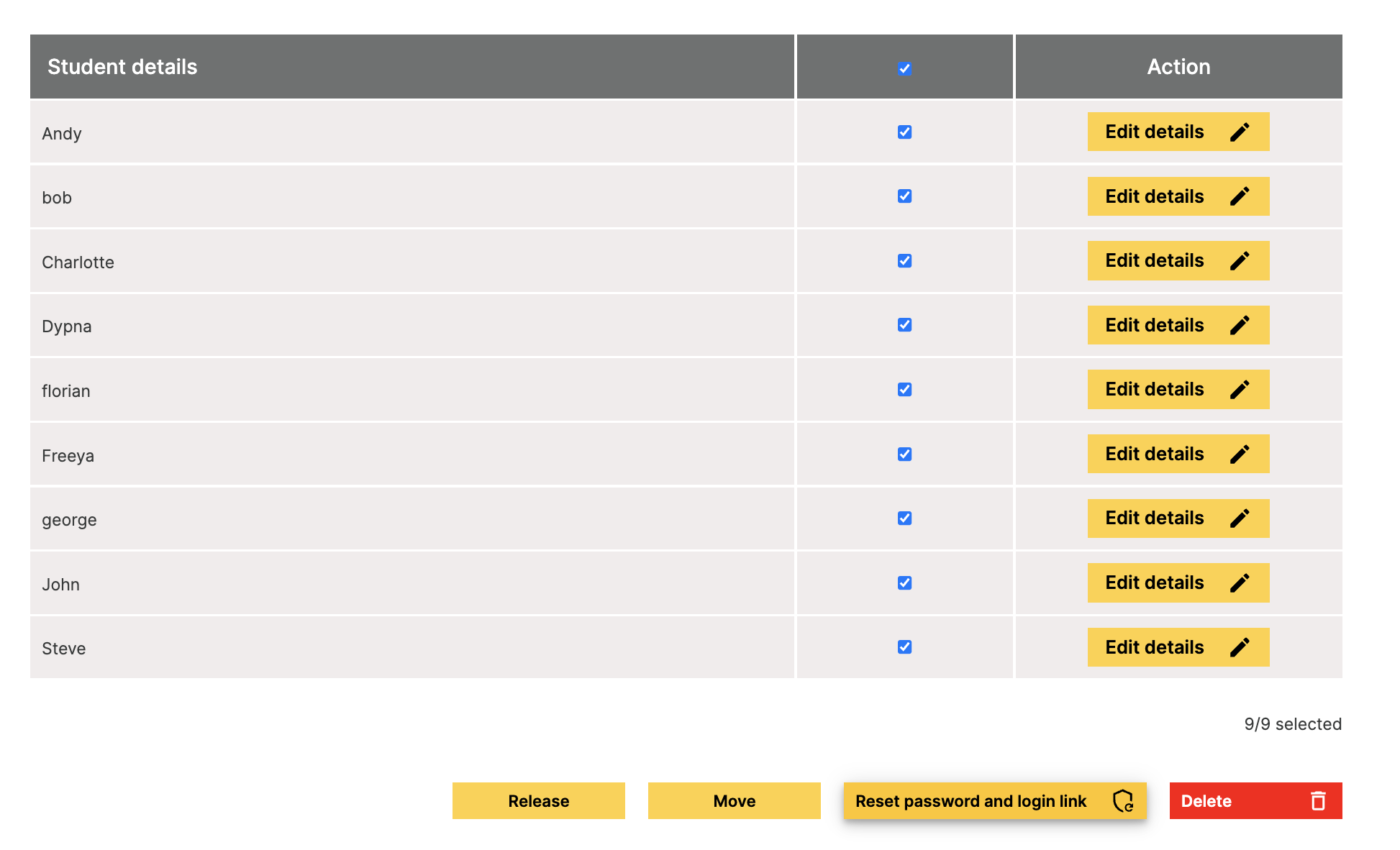
Please ensure you save the student long details when they are created as we do not retain these details. If you have forgotten to do this, don't worry. You can reset the logins through your teacher dashboard by going to 'Edit class' and resetting their details.