
To use the "if/else" in Blockly:
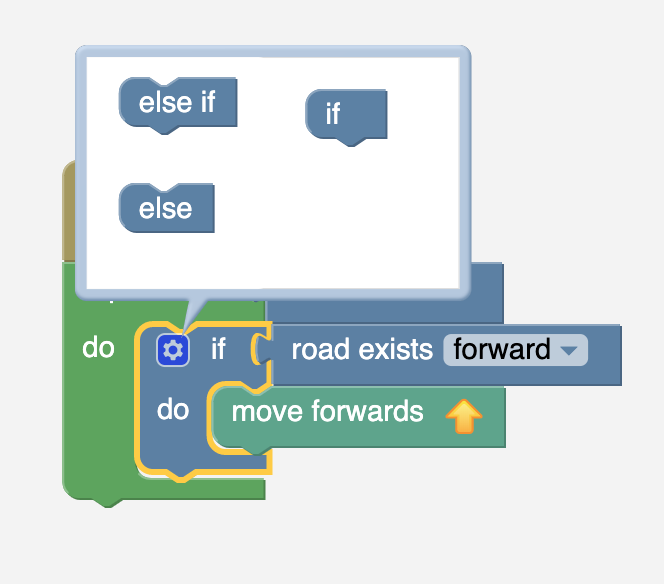
- Click on the settings icon, this should open a little popup:
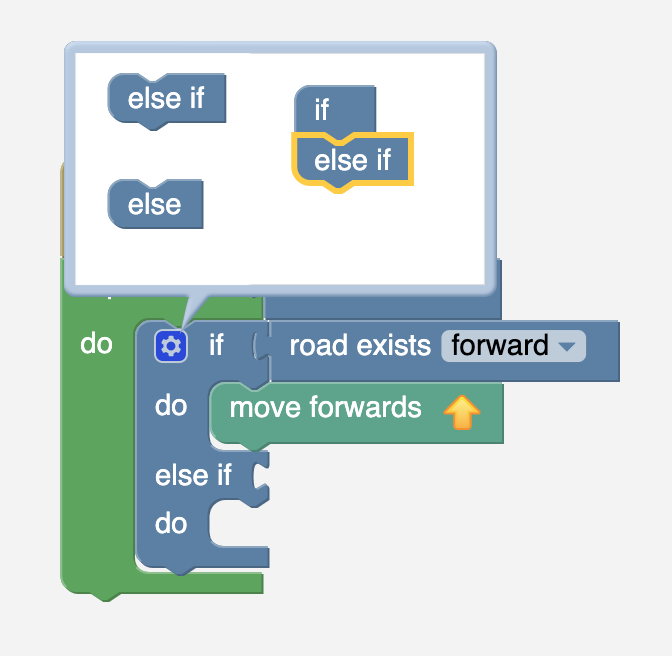
- Drag the "else" or the "else if" blocks on the left side to the "if" block on the right side. This should extend the block outside the popup:
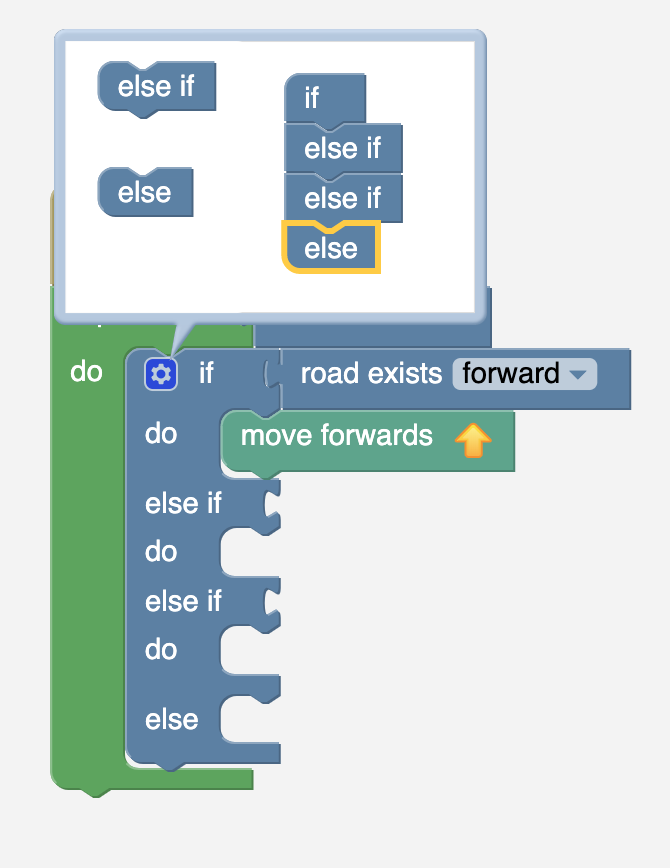
- You can add more "else ifs" and an "else" to the "if" by dragging more blocks over to the right:
- To remove something, drag "else ifs/elses" over to the left and they should be removed.
In case this isn't clear, you can find a link to Blockly's explanation on how to use the if block and how to turn it into a if/else-if/else block here.